Teamcenter PLM: A Solution for Managing Product Data and Development Processes
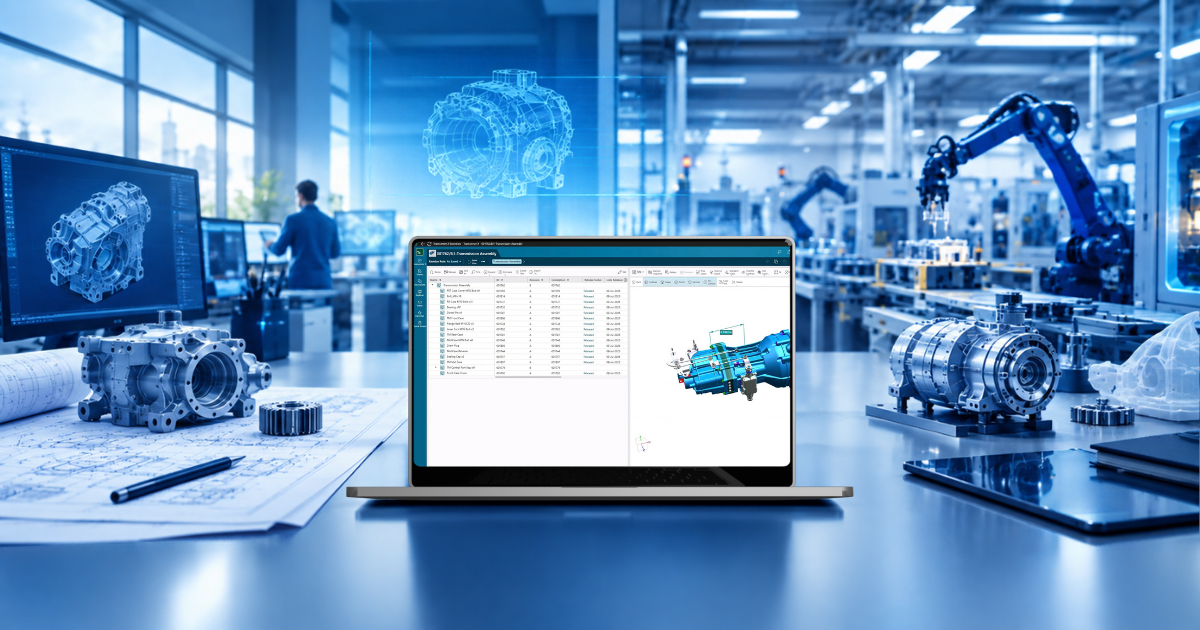
In an era when manufacturing businesses need to develop products faster to respond to constantly changing market demands, systematic product data management has become a critical factor. Dispersed or non-centralized data can negatively impact work efficiency, costs, and decision-making across an organization.
Siemens Teamcenter is one of the leading Product Lifecycle Management (PLM) solutions designed to address these challenges. It serves as a centralized platform for managing data, workflows, and collaboration among different teams throughout the entire product lifecycle—from design and development to manufacturing and product service.
In this article, MAT will introduce what Teamcenter is, explore its key features, and discuss the benefits organizations can gain from implementing the solution.
What Is Teamcenter?
Teamcenter is a Product Lifecycle Management (PLM) system from Siemens that enables organizations to manage product data, workflows, and collaboration across different teams throughout the entire product lifecycle. This includes everything from concept planning and design to manufacturing, service, and end-of-life management.
One of Teamcenter’s key strengths is its ability to connect people, processes, and data through a common data environment, creating a Single Source of Truth. This helps eliminate problems caused by fragmented data and allows all stakeholders to access accurate and up-to-date information from a centralized platform, while also providing traceability of product information and changes.
Supporting Managing Complex Products with Digital Thread
For organizations developing complex products, having connected information from beginning to end is essential. Teamcenter helps establish a Digital Thread, connecting data and processes throughout the product lifecycle. This enables teams to track, verify, and access consistent and accurate information in real time. Teamcenter can connect key information across the product development process, including:
Multi-Domain Design
Brings Mechanical, Electrical, Electronics, and Software design data together in one environment.
Requirements & Configuration
Systematically manages product requirements, configurations, and product definitions.
Lifecycle Management
Connects manufacturing, service, and end-of-life management information throughout the product lifecycle.
When all this information is connected, teams across different functions can gain a comprehensive view of the product and collaborate using consistent data. This helps organizations identify issues earlier, reduce delays caused by searching for or correcting information, and respond more quickly to changes.
Teamcenter Deployment Options
1. Teamcenter On-Premises
Teamcenter can be installed and managed on the organization’s own servers. This option is suitable for organizations with internal IT teams that manage the system, require strict control over security, and want comprehensive control over their PLM environment.
2. Teamcenter On-Cloud
Teamcenter can also be deployed in the cloud using leading cloud providers selected and trusted by the organization. This approach provides greater flexibility while allowing the organization’s IT team to maintain control over system management, security, and maintenance.
3. Teamcenter X (SaaS by Siemens)
Teamcenter X is a cloud-based Software as a Service (SaaS) solution provided directly by Siemens. It enables organizations to get started quickly while reducing the workload for internal IT teams, as system maintenance, upgrades, and related services are managed as part of the SaaS offering.
Benefits of Implementing Teamcenter
1. Version Control and Product Data Management
Teamcenter enables organizations to track changes to 3D CAD files and product data effectively. Users can access the latest version of information, helping prevent teams from working with outdated files and reducing errors caused by inconsistent data.
2. Real-Time Collaboration
Teamcenter enhances collaboration between design teams, engineers, and other departments by enabling teams to share and work with information within a common system. This helps streamline communication, reduce complex coordination processes, and prevent duplicated work.
3. 3D CAD Data Organization and Structure
Teamcenter provides a centralized and secure environment for organizing 3D CAD files and important documents according to standardized structures. This makes information easier to find, reduces time spent searching for files, and minimizes the risk of modifying or using the wrong data.
4. Configurable Access Control
Teamcenter provides advanced data security through permission and access control capabilities. Organizations can define detailed access rights for individuals and departments, controlling who can view, access, or modify specific files and information.
5. More Accurate Communication Across Departments
By bringing information from different functions—including design, engineering, manufacturing, and management—into a centralized environment or Single Source of Truth, Teamcenter helps reduce misunderstandings and enables teams across the organization to work together more effectively.
Key Features of Teamcenter
3D CAD & Data Management
Teamcenter centralizes and manages multi-CAD design data, enabling engineering teams to quickly search for information, reuse existing components, and accurately manage file versions.
Bill of Materials (BOM) Management
Teamcenter manages and connects different types of Bills of Materials, including Engineering BOM (eBOM), Manufacturing BOM (mBOM), and Bill of Process (BOP), helping maintain consistency throughout the product development and manufacturing processes.
Change Management & Workflow
Teamcenter supports approval workflows and automated change tracking. This helps reduce errors, standardize approval processes, and ensure that relevant stakeholders are informed about product changes.
Requirements & Systems Engineering
Teamcenter enables organizations to capture customer requirements and product specifications and connect them with design and engineering activities. This helps ensure that product development remains aligned with defined requirements from the early stages of development.
Document & Process Management
Technical documents, manufacturing manuals, and compliance-related information can be stored and managed in a centralized environment, making it easier for teams to collaborate, review information, and support audits and compliance processes.
Conclusion
Siemens Teamcenter is a PLM platform that helps organizations systematically manage product data and product development processes from planning and design to development, manufacturing, and after-sales service. By connecting information across different stages of the product lifecycle, Teamcenter provides organizations with a centralized and integrated environment for managing product information and processes.
For organizations looking to improve product data management, establish more structured workflows, and increase agility in a competitive market, Teamcenter provides capabilities to support more efficient and connected product development.
Frequently Asked Questions About Teamcenter (FAQ)
Q1: What is Teamcenter?
A: Teamcenter is a PLM (Product Lifecycle Management) platform from Siemens that helps organizations manage product data and processes throughout the entire product lifecycle, from ideation, design, and development to manufacturing and after-sales service.
Q2: What can Teamcenter be used for?
A: Teamcenter can be used to centralize and manage an organization’s product information, including 3D CAD design data, product structures and Bills of Materials (BOM), product requirements, change management, and collaboration among different teams. It also provides traceability throughout the product lifecycle.
Q3: What types of organizations is Teamcenter suitable for?
A: Teamcenter is suitable for organizations that manage large volumes of product data, have multiple teams or departments working together, or operate complex product development processes. It provides a centralized system for organizing product information, reducing duplication, and improving collaboration.
Q4: Can Teamcenter manage BOM (Bill of Materials)?
A: Yes. Teamcenter supports comprehensive Bill of Materials (BOM) management. Teams can create, manage, track, and control changes to product structures and BOMs in a systematic and controlled manner.
Ready to elevate your organization’s operations with Teamcenter?
Contact our team for a free consultation
CONTACT US